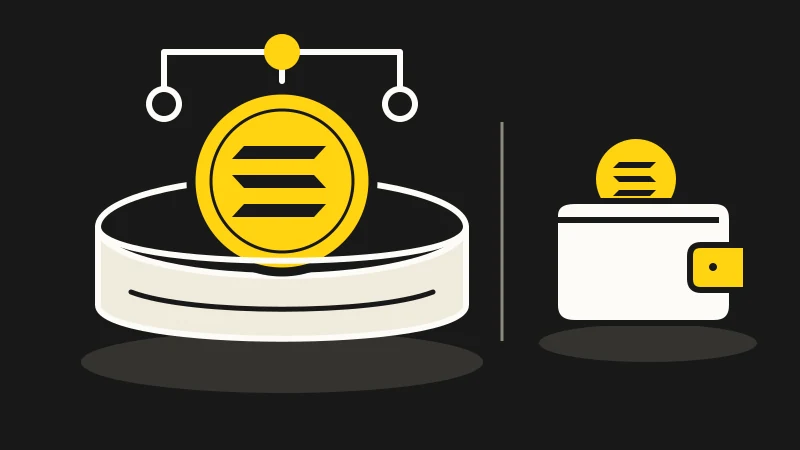
Why unstaked SOL can still be in a Solana stake account
Inactive stake is not a wallet payment. Check where the SOL is held, who can authorize a withdrawal and whether a transfer actually happened.
Read → Owlio
All your wallets in one list — across Ethereum and its L2s, BNB Smart Chain, Bitcoin, Tron and TON. No account and no server: your addresses are stored in this browser and nowhere else.
Free. Open about what it does not know. Nothing to sign up for.
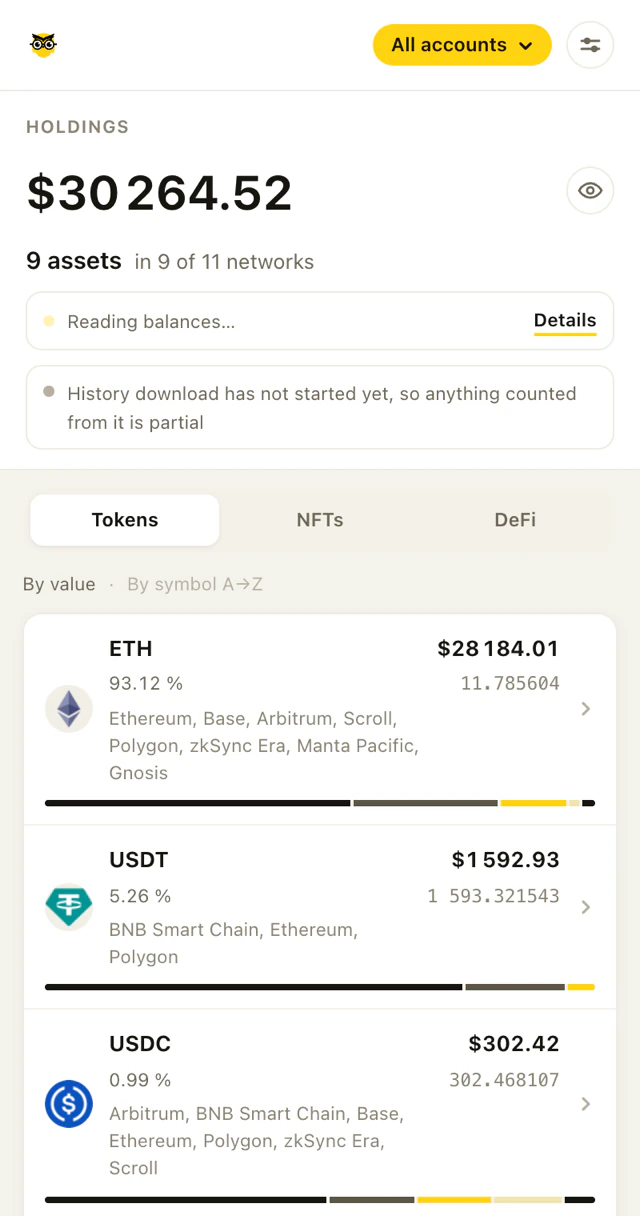
vitalik.eth — a public address, not ours.Add Owlio to Chrome. It opens as a side panel and stays open while you browse.
Paste an address once. No sign-in, no wallet connection, no signatures.
Every network the address is valid on is read automatically.
Tokens, NFTs and DeFi positions in separate tabs, plus a chart of portfolio value over time.
No account, no sign-in, no database. Your addresses and your portfolio live in this browser's storage and nowhere else, because there is nowhere else for them to go. That is not a privacy setting you can weaken — it is how the product is built.
What that costs, said plainly: to show balances and prices, Owlio talks to public blockchain and market data services straight from your browser. Those services see what they are asked about, such as a wallet address. That is unavoidable for any wallet tracker.
What Owlio does not do: no analytics, no telemetry, no crash reporting, no advertising and no remote code.
Public explorers go down. When one does, Owlio names the network it could not read instead of quietly showing you less.
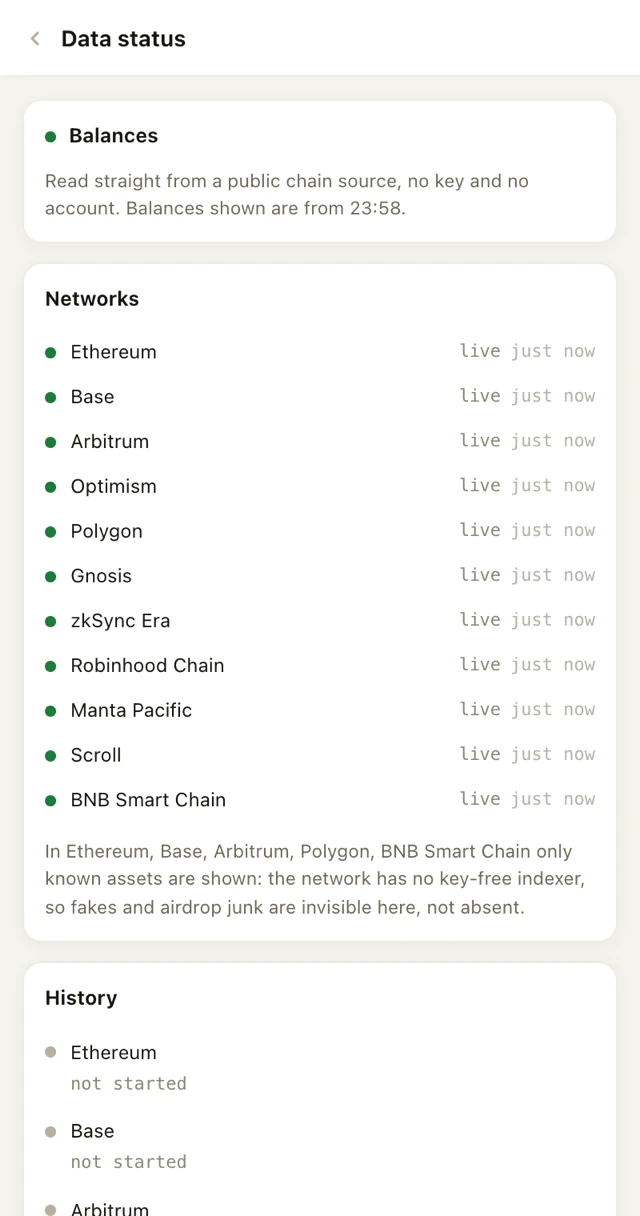
Your setup is a file you control. Wipe everything in two clicks — there is no copy anywhere else.
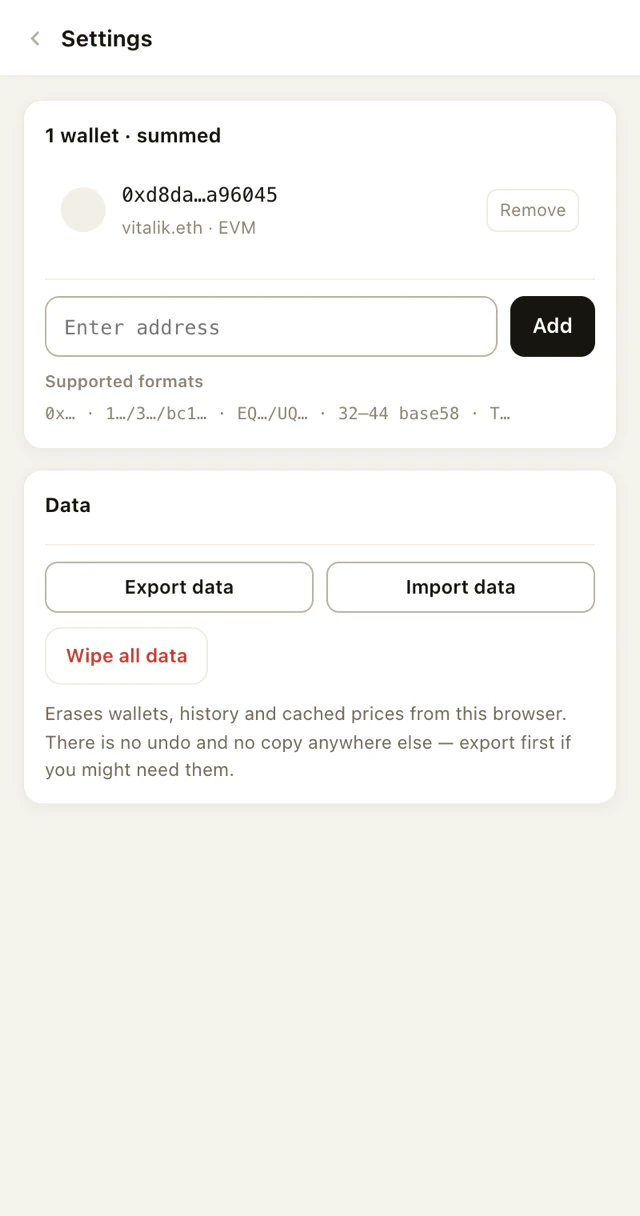
One address covers every network it is valid on — add an Ethereum-style wallet once and all nineteen EVM networks below are read for it.
Free. Open about what it does not know. Nothing to sign up for.
Inactive stake is not a wallet payment. Check where the SOL is held, who can authorize a withdrawal and whether a transfer actually happened.
Read →A token account's address, its mint and its owner serve different purposes. Use a field map to identify the record you are inspecting on Solana.
Read →A MATIC label can mean an old network setting or a separate Ethereum token. Identify the balance before treating it as an unfinished migration.
Read →